

Every working day, your team opens dozens of emails without a second thought. Invoices from suppliers. Password reset prompts. Shipping confirmations. Most are legitimate. But buried among them, a single fraudulent message can unravel your entire business. Email cyber attacks remain the most common and most damaging threat facing organisations today, and small and medium-sized businesses are now squarely in the crosshairs.
Introduction: Email as the #1 Cyber Attack Vector
Roughly 91% of all cyber attacks start with a phishing email. That statistic has held steady for years, and if anything, the threat has intensified. In 2025, organisations faced an average of 1,968 cyber attacks per week – a figure that reflects just how relentless and automated modern cyber threats have become.
The numbers closer to home are just as concerning. According to the UK Cyber Security Breaches Survey 2025/2026, 43% of UK businesses reported experiencing a cyber breach or attack in the previous 12 months. Of those that identified a breach, 88% said phishing attacks were involved. Meanwhile, 32% of UK businesses experienced breaches or attacks in the last year across all categories, confirming that email is a primary attack vector for cyber criminals across every sector.
For SMEs, the picture is even starker. Research surveying 1,200 UK SMEs found that 67% experienced at least one cyber attack in 2025, up from 50% in 2024. The average cost per breach – including downtime, legal fees, recovery and customer loss – was approximately £6,400. These are not theoretical risks. They are operational realities hitting businesses with 10 to 250 staff.
What makes email so dangerous is its universality. It works across all operating systems – Windows, Mac OS, Linux, iOS, Android – meaning attackers don’t need to find a platform-specific vulnerability. They simply need someone to click. And because email accounts accumulate years of sensitive data – contracts, invoices, credit card details, personal information, HR files – a single compromised mailbox can give attackers access to a searchable archive of everything your business has ever discussed.
Assess your email risk for free. Cyber Security 4 You offers a no-obligation cyber risk assessment that highlights gaps in your email security, inbox data exposure and staff awareness. Request your free assessment here.
In this article, you will learn:
What email cyber attacks are and why they are so effective
The major types of email-based attacks – from phishing to business email compromise to ransomware
Why keeping too much data in your inbox creates a hidden, high-impact risk
How attackers exploit weaknesses in people, technology and processes
Practical defences tailored for SMEs without large security teams
How Cyber Security 4 You can help protect your email environment
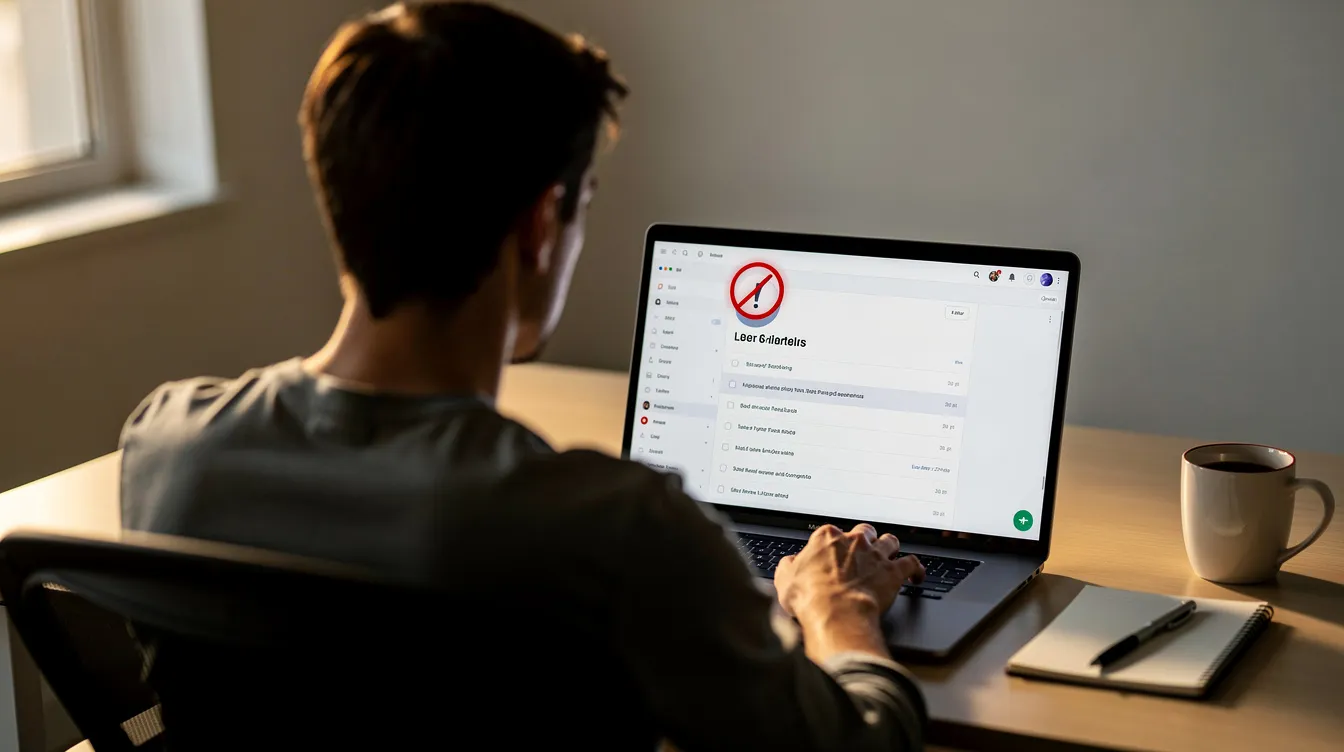
What Are Email Cyber Attacks?
An email cyber attack is any cyber attack initiated or supported through email messages. At its simplest, phishing involves sending fraudulent emails to steal sensitive information. At its most sophisticated, email serves as the entry point for multi-stage operations that end in ransomware, wire fraud or massive data breaches.
Email cyber attacks typically use impersonation to deceive victims. The attacker sends a message that appears to come from a trusted source – a bank, a colleague, a supplier, a government agency – and persuades the recipient to take an action: click a link, open an attachment, enter credentials or approve a payment. These attacks exploit technical vulnerabilities to execute fraud and theft, but they succeed primarily because they exploit human trust.
The common goals include:
Stealing login credentials to cloud services (Office 365, Google Workspace, CRMs)
Harvesting credit card data, bank details or personal information
Installing malware that encrypts files or exfiltrates confidential documents
Initiating fraudulent payments by impersonating executives or suppliers
Gaining a foothold for lateral movement across networks and systems
Phishing is the most common email threat organisations face. But email-initiated attacks rarely stop at the inbox. The typical chain runs: phishing email → credential theft → account compromise → data exfiltration or financial fraud → regulatory and reputational fallout.
Cybersecurity protects IT systems from malicious attacks and data breaches, but the sheer volume of email traffic makes comprehensive protection difficult. Consider two real incidents:
City Estates, London (2024): A UK property SME lost £12,100 when a vendor’s email account was compromised and used to send a convincing fake invoice. The email came from the vendor’s actual address, making it nearly impossible to distinguish from legitimate correspondence.
British Library (2023): Attackers exploited a third-party breach and the absence of multi factor authentication. The resulting ransomware attack led to approximately 600GB of data being exfiltrated, months of service disruption and losses in the millions.
Both incidents began with email. Both could have been significantly mitigated with stronger controls.
Major Types of Email‑Based Attacks
Email-based attacks come in many forms, and understanding each one is essential for building effective defences. Some are crude and mass-produced; others are surgical and highly researched. What they share is a reliance on email as the delivery mechanism and human behaviour as the vulnerability.
Each attack type can affect any business regardless of size or sector, especially those without dedicated security teams. Below, we break down the most common and damaging forms of email-based attacks in plain business language.
Phishing Emails: The “Everyday” Email Threat
A phishing attack is a deceptive email designed to trick recipients into handing over usernames, passwords, credit card details or other personal information. It is the most widespread form of email threat and the starting point for many organizations’ worst security incidents.
Phishing attacks often rely on deception and urgency to manipulate victims. A typical phishing email might claim your Microsoft 365 account has been locked, your HMRC tax refund is ready, or a courier delivery has failed. The message pushes you toward a malicious link that leads to a fake website – a convincing replica of a real login page – where you unknowingly enter your credentials.
Phishing emails often impersonate trusted entities to extract information. In 2022, criminals sent over 30 million phishing messages using Microsoft branding alone. That same year, phishing attacks accounted for 300,497 recorded victims – and those are only the ones reported. The real figure is far higher.
The reason these attacks work is familiarity. Research shows that 44% of people trust emails with familiar branding, which is exactly what attackers exploit. Domain impersonation involves creating fake email addresses that resemble legitimate ones – swapping an “l” for a “1”, adding a hyphen, or using a lookalike top-level domain.
Malware can be delivered through emails containing malicious links or attachments, turning a simple credential-harvesting attempt into a full system compromise.
How to spot a phishing email:
Inspecting the sender’s actual email address can help recognise phishing attempts – look beyond the display name
Phishing emails might contain spelling or grammatical errors, though AI-generated messages are increasingly polished
Mismatched domains in email addresses can indicate phishing attempts (e.g. “support@micros0ft-security.com”)
Hovering over links can reveal their true destination before clicking – if the URL doesn’t match the claimed website, don’t click
Unexpected urgency or threats (“your account will be suspended in 24 hours”) are classic red flags
Requests for passwords, credit card numbers or personal details via email are almost never legitimate
Spear Phishing and Whaling: Highly Targeted Attacks
Where generic phishing casts a wide net, spear phishing is a targeted phishing attack tailored to a specific person or organisation. Spear phishing targets specific individuals or organisations using personalised details – the recipient’s name, job title, recent projects, even references to internal discussions.
Whaling takes this further by focusing on executives, finance directors or HR leaders, where a single successful deception can lead to six-figure losses or access to the most sensitive data in the business.
Attackers research potential targets using LinkedIn, company websites and social media to craft convincing messages. In 2023, novel social engineering attacks rose by 135%, driven partly by the availability of open-source intelligence tools and generative ai that can produce fluent, contextually appropriate messages at scale.
Example scenario: A finance manager in a 50-person UK firm receives an email that appears to come from the CEO, referencing a recent board meeting and requesting an urgent international payment to a new supplier. The email contains no attachments and no suspicious links – just a politely worded instruction from what looks like a trusted address.
These targeted attacks often bypass basic email filters because they look “normal.” Detection depends less on technology and more on human judgement and process controls.
How to distinguish spear phishing from generic phishing:
The message references specific details about you, your role or your organisation
The sender appears to be someone you know and trust (colleague, supplier, executive)
There may be no malicious link or attachment – just a request for action
The urgency feels plausible, not generic
Verification through a separate channel (a phone call, a walk to the sender’s desk) would reveal the deception
Business Email Compromise (BEC): When Your Mailbox Is the Weapon
Business email compromise is one of the most financially devastating forms of email cyber attack. In a BEC attack, attackers hijack or convincingly spoof a legitimate business email account to steal money or sensitive data. BEC accounts for 75% of phishing attacks reported to the FBI, and Business Email Compromise caused $2.7 billion in losses in 2022 alone. Even as far back as 2016, BEC scams cost US businesses over $2 billion.
BEC scams often use social engineering to manipulate victims into making payments or sharing confidential information. Common scenarios include:
Invoice fraud: An attacker sends a modified invoice with updated bank details from a compromised or spoofed supplier address
Supplier bank detail changes: A “supplier” emails requesting that future payments be sent to a new account
Payroll redirection: An attacker posing as an employee asks HR to change direct deposit details
Fake investment or acquisition instructions: An executive’s email is spoofed to authorise a large transfer
Attackers often spoof trusted email accounts in BEC attacks, and conversation hijacking occurs when attackers exploit a compromised account to send fraudulent requests within an existing email thread. Social engineering manipulates individuals to disclose sensitive information – and when that manipulation happens inside a trusted conversation, it is extremely difficult to detect.
The connection to inbox data retention is direct: keeping long-term email histories (purchase orders, bank details, contracts, internal discussions) inside inboxes gives attackers the raw material to craft credible BEC messages. If an attacker gains access to a mailbox, they can study months or years of real transactions before striking.
Warning signs of BEC:
Unexpected changes to payment details or banking information
Requests that bypass normal approval processes (“I need this done today, skip the usual sign-off”)
Slight variations in the sender’s email address or domain
Pressure to act quickly and not discuss with colleagues
Financial process controls – not just technical ones – are essential. Dual sign-off for payments, verbal confirmation of bank changes via a known phone number, and clear escalation paths can stop BEC even when the email looks perfect.
Malware and Ransomware Delivered by Email
Email remains the primary delivery vehicle for malware attacks. Malicious attachments – macro-enabled Word or Excel documents, ZIP files, PDFs with embedded scripts – and links to drive-by download sites can install software that encrypts your data, steals information or gives attackers persistent access to your systems.
Ransomware became the dominant malware form in recent years, and ransomware attacks now often involve double or triple extortion: encrypting data, threatening to publish it, and sometimes attacking your customers or partners as well. The WannaCry outbreak highlighted ransomware’s profitability in 2017, and since then, Ransomware as a Service (RaaS) has increased attack accessibility, allowing even low-skilled attackers to launch devastating campaigns.
Spam can distribute malware or overwhelm email servers, and once malware executes on a device, it can spread across networks and cloud services regardless of operating system.
Example: A 50-person UK manufacturing firm received a phishing email disguised as an overdue invoice. An accounts team member opened the attached Word document and enabled macros. Within hours, ransomware had encrypted core business files across the network. Recovery required external specialist support and weeks of disruption.
The business impact is severe:
Operational downtime – days or weeks without access to critical systems
Data loss – if backups are inadequate or also compromised
Regulatory risk – GDPR breach notifications, potential ICO fines
Reputational damage – clients and partners lose confidence
Financial loss – ransom demands, recovery costs, lost revenue
Regularly backing up data can protect against ransomware, but only if backups are stored separately from production systems, tested regularly and include email data.
Man‑in‑the‑Middle, Account Takeover and Session Hijacking
Not all email attacks are loud. Some of the most dangerous are completely invisible.
In a man-in-the-middle attack in the email context, attackers intercept communications between two parties – for example, by compromising a mail server or hijacking a webmail session on insecure Wi-Fi. More commonly, account takeover (ATO) involves attackers using stolen credentials from a phishing attack or previous data breaches to log into a mailbox and silently monitor activity.
Once inside, attackers can set up hidden forwarding rules to exfiltrate every incoming email – including invoices, contracts, internal discussions and password reset messages. Proofpoint’s research found that nearly 5% of approximately 63 million monitored accounts were targeted for compromise, with success rates as high as 50–90% in certain sectors.
Compromised email accounts can also be used to reset passwords for other services – banking, cloud storage, CRM systems – escalating the attack far beyond the mailbox. This is why using strong passwords is crucial for account security, but passwords alone are not enough. Monitoring and multi factor authentication are critical to detecting and preventing these silent compromises.
Social Engineering Beyond Email: Multi‑Channel Phishing
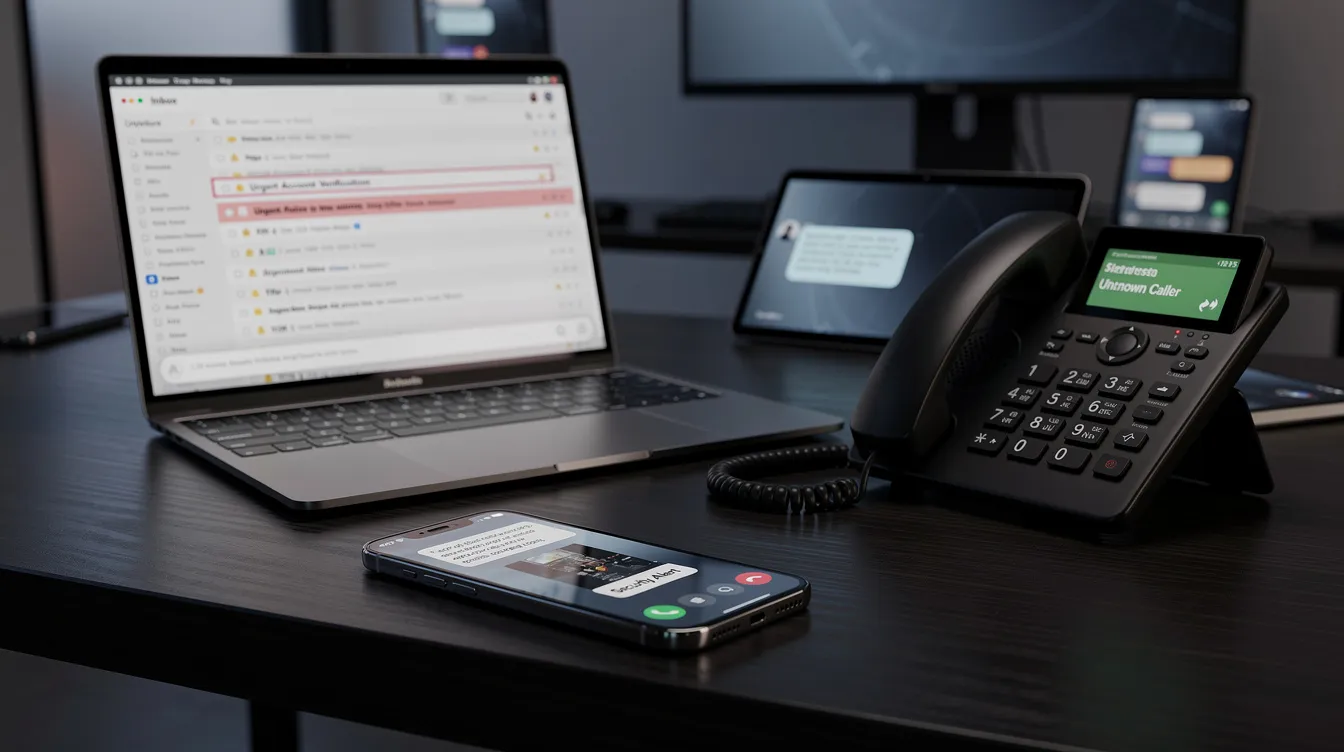
Many phishing campaigns now extend beyond the inbox. Attackers blend email with SMS (smishing), voice phone calls (vishing), and social media messages to create multi-layered deceptions that are harder to identify.
A typical multi-channel scenario works like this: an employee receives a phishing email instructing them to update payment details on a fraudulent website. Minutes later, they receive a phone call from someone claiming to be from the bank, “confirming” the change. The combined effect creates a false sense of legitimacy that even cautious staff may not question.
Generative ai tools enhance the sophistication of phishing campaigns by producing fluent, localised messages tailored to specific targets. Large language models can mimic writing styles, generate contextually appropriate content, and even help create synthetic voice clones for vishing calls. AI security platforms provide unified protection across the entire AI stack, but many organisations have yet to adopt these emerging technologies.
Key channels to watch:
Email – the primary vector for initial contact
SMS/messaging apps – used for follow-up or credential harvesting on mobile devices
Voice calls – used to “verify” fraudulent requests or pressure staff into acting quickly
Social media – used for reconnaissance and direct messaging
Defending against email cyber attacks requires awareness of these connected channels and organisation-wide training that covers all of them.
The Hidden Risk: Too Much Sensitive Data in Your Inbox
Beyond the initial compromise, the single biggest risk most SMEs overlook is the sheer volume of sensitive data sitting in email inboxes – often for years, unmanaged and unprotected.
Think about what a typical inbox contains after three, five or ten years of business operations:
Credit card details and credit card numbers shared for bookings or purchases
Bank account information on invoices and payment confirmations
Passport scans and identity documents sent during onboarding
Payslips, employment contracts and HR correspondence
Medical records or occupational health information
Supplier agreements, NDAs and legal correspondence
Passwords and login credentials shared informally (“here’s the login for the portal”)
When attackers gain access to a mailbox, they treat it as a searchable data archive. A simple search for “password,” “invoice,” “account number” or “bank details” can surface years of sensitive information in seconds. This makes a compromised inbox far more dangerous than a compromised website or application – it is a treasure trove of everything the business has communicated.
Real breaches illustrate the scale. The South Staffordshire Water breach exposed personal data for nearly 634,000 individuals after a phishing attack. The organisation was fined £963,900 by the ICO, with the regulator citing failures in monitoring, patching and baseline controls. The data, once exfiltrated, was published on the dark web.
Over-retention of email directly contradicts GDPR compliance requirements. The regulation’s data minimisation and storage limitation principles state that personal data should not be kept longer than necessary. Every email containing personal information that sits in an inbox beyond its useful life is a regulatory liability – and a potential target for attackers.
For a deeper look at why inboxes are such an attractive target, see our dedicated guide to the email risk.
What you should do about inbox data:
Set retention policies: auto-archive old emails and delete unnecessary content after defined periods (e.g. 2–3 years)
Stop sending unencrypted credit card or other high-risk personal information via email – use secure portals or encrypted file-sharing tools instead
Run periodic “inbox clean-up” campaigns with clear guidance on what must be kept and what can be safely deleted
Use role-based shared mailboxes (e.g. accounts@, hr@) with central oversight rather than sensitive data held in personal inboxes indefinitely
Classify data so that sensitive content is flagged, handled appropriately and not left to accumulate
How Email Cyber Attacks Exploit People, Technology and Processes
Effective cyber security must address three interconnected dimensions: people, technology and processes. Email attacks succeed not because of a single weakness, but because multiple layers of defence are absent or poorly maintained.
People: Social engineering targets natural human responses – curiosity, fear, trust in authority and the desire to be helpful. Many organisations operate with a false sense of security because they believe they are too small to be targeted. In reality, many organizations of all sizes are in the crosshairs precisely because they lack the defences that larger enterprises deploy. Insider threats – whether from careless staff or compromised accounts – compound the risk, because authorised users with legitimate access can cause enormous damage without triggering alerts.
Technology: Technical weaknesses create the conditions for email attacks to succeed. Lack of multi factor authentication means a stolen password is all an attacker needs. Missing email authentication protocols (SPF, DKIM, DMARC) allow spoofing – and implementing email authentication protocols can prevent domain spoofing. Outdated operating systems and unpatched mail clients expose known vulnerabilities that attackers actively scan for. Without automated security solutions that can detect malicious links and attachments in emails, malicious content reaches inboxes unchallenged.
Processes: Weak or absent processes are the silent enablers. No documented payment verification steps mean a single email can authorise a five-figure payment. No joiner/mover/leaver procedures mean former employees may still have access. No regular inbox reviews or data retention rules mean sensitive data accumulates indefinitely. No incident response plan means critical hours are lost when a breach occurs.
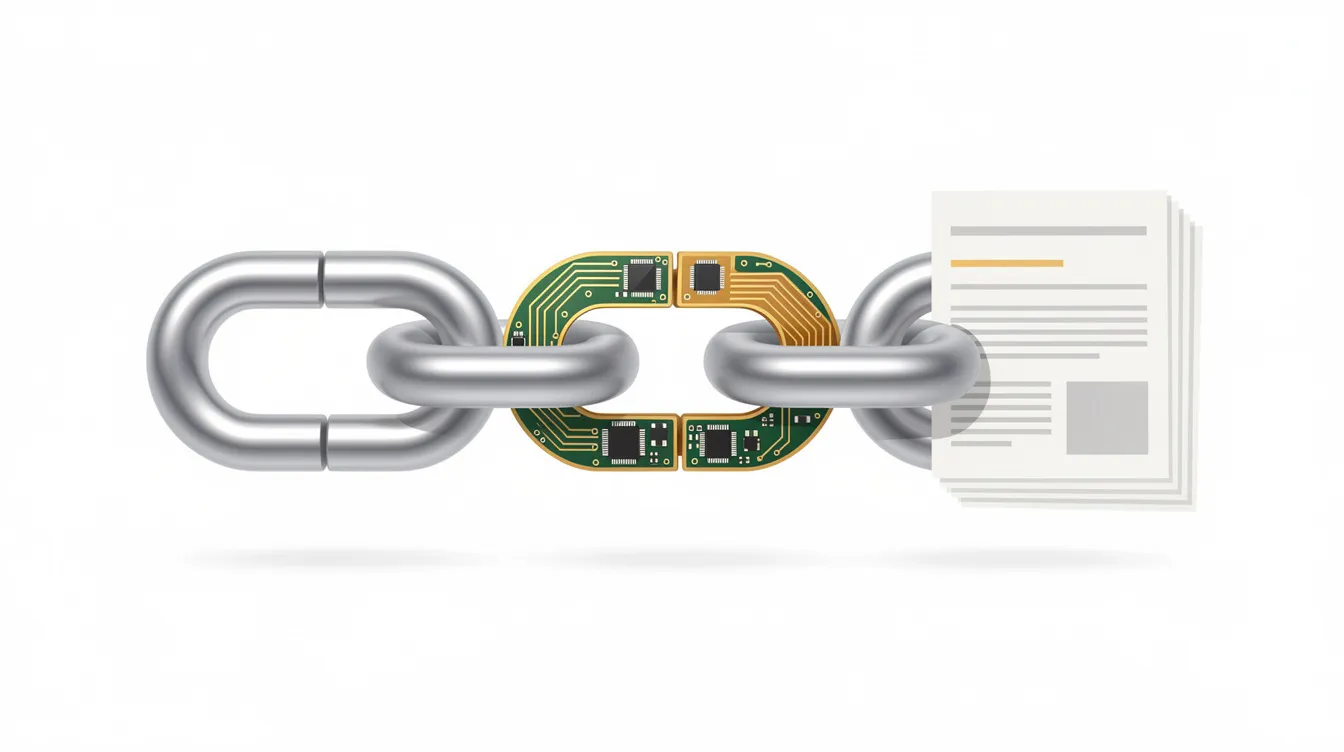
A typical email breach chain looks like this:
An attacker sends a phishing email to an accounts team member
The employee clicks a malicious link and enters credentials on a fake website
The attacker logs into the mailbox and studies email history
They identify a supplier relationship and an upcoming payment
They send a fraudulent invoice from the compromised account (or a lookalike domain)
The business pays the invoice to a fraudulent bank account
The breach is discovered days or weeks later
A regulatory investigation follows, along with financial and reputational damage
Each step in this chain involves a failure of people, technology or process. Breaking any single link can prevent the outcome.
Practical Defences Against Email Cyber Attacks
There is no single product or policy that will make your business immune to email cyber attacks. The goal is to build multiple layers of defence that reduce both the likelihood and the impact of a successful attack.
The good news is that most of these defences are affordable, practical and achievable for SMEs without dedicated security teams. Below, we break them down into four areas: technical controls, staff awareness, inbox data hygiene and incident response.
Strengthen Technical Email and Access Controls
Technical security controls form the foundation of email defence. These are the measures that work silently in the background, blocking threats before they reach your team.
Enable multi factor authentication (MFA) on all email accounts, especially admin, finance and HR roles. Multi-Factor Authentication adds a layer of security by requiring multiple forms of identification – something you know (password) plus something you have (phone, token). The NHS vendor “Advanced” was fined partly because a customer account without MFA was exploited in a ransomware attack.
Configure email authentication protocols – SPF, DKIM and DMARC – for every domain your organisation uses. These protocols make it significantly harder for attackers to spoof your domain in phishing campaigns.
Keep operating systems, email clients and browsers patched. Attackers exploit known vulnerabilities in outdated software. This applies to Windows, macOS, Linux and mobile devices equally.
Restrict macros and executable attachments. Block macro-enabled Office files and executable attachments at the email gateway, especially for non-technical staff who have no business need for them.
Deploy centralised logging and monitoring. A Security Operations Centre – even an outsourced one – can detect suspicious logins, new forwarding rules and anomalous email activity that would otherwise go unnoticed.
Use automated email security solutions that scan links and attachments in real time before delivery.
These are a mix of quick wins and medium-term projects that any SME can implement, often with support from a managed security services provider.
Build Staff Awareness and a Security‑First Culture
Human error is involved in the majority of successful phishing incidents. Technology can block many threats, but it cannot stop every convincing, well-crafted email from reaching a person who then makes a split-second decision.
Security awareness training is essential for effective cybersecurity measures. But training must be practical, regular and role-specific – not a once-a-year compliance exercise that people forget within a week.
Train staff to spot phishing emails, spear phishing and BEC red flags using real examples relevant to their roles
Run regular phishing simulations to measure and improve resilience – regular phishing simulations can help employees spot phishing and social engineering attacks before they cause harm
Establish a non-punitive “report phishing” mechanism so employees can flag suspicious messages without fear of blame
Ensure executives and senior leaders visibly participate in security awareness programmes – culture flows from the top
Cover multi-channel threats: not just email, but SMS, phone calls and social media approaches
Cyber Security 4 You can design and run phishing awareness campaigns and deliver information security awareness training as part of broader consultancy or virtual CISO services.
Reduce Inbox Risk: Data Minimisation and Secure Handling
Cleaning up your inbox is one of the most impactful – and most overlooked – steps you can take to reduce your exposure to email cyber attacks. If attackers gain access to a mailbox that has been purged of historic sensitive data, the damage is dramatically limited.
Create and enforce email retention policies. Auto-archive emails after a defined period and automatically delete content beyond your retention window (e.g. 2–3 years for general correspondence, shorter for high-risk content).
Stop emailing credit card details, passport scans, medical records or large data exports. Use secure portals or encrypted file-sharing tools instead. Every sensitive attachment sitting in an inbox is a liability.
Run periodic inbox clean-up campaigns with clear, GDPR-aligned guidance on what must be retained and what should be securely deleted.
Use role-based shared mailboxes for business functions like accounts@ and hr@, with central oversight and access controls, rather than leaving sensitive data trapped in individual inboxes indefinitely.
Implement data classification so that sensitive information is flagged at the point of creation and handled according to its risk level.
Cyber Security 4 You can help design retention and data classification policies that balance your operational needs with GDPR compliance and regulatory expectations – reducing both security risks and legal exposure.
Prepare for Incidents: Response and Recovery
No defence is perfect. When a phishing attack succeeds or an account is compromised, your response in the first hours determines whether the incident is a manageable disruption or a business-threatening crisis.
Create a written incident response plan for suspected email compromises. Even a simple one-page playbook is better than nothing. Among UK SMEs that experienced an attack in 2025, 43% had no incident response plan at the time.
Define the key steps: identify the scope → contain (reset passwords, revoke sessions, disable forwarding rules, isolate affected systems) → eradicate (remove malware, close attack vectors) → recover (restore from backups, verify integrity) → notify (regulators, affected individuals, insurers) as required by GDPR.
Pre-define who to call. Know in advance whether you’ll contact internal IT, Cyber Security 4 You’s incident management team, your cyber insurer or legal counsel. Deciding this during a crisis wastes critical time.
Run tabletop exercises. Walk through a realistic phishing or BEC scenario involving finance, HR and leadership at least once a year. These don’t need to be complex – a 90-minute session can reveal critical gaps.
Ensure backups are separate, tested and include email data. A reliable backup and disaster recovery solution is your last line of defence against ransomware and data loss.
Cyber Security 4 You also provides forensic analysis to help SMEs understand how a breach occurred, what data was affected and how to prevent recurrence.
How Cyber Security 4 You Helps SMEs Defend Their Email
At Cyber Security 4 You, we work exclusively with small and medium-sized businesses across the UK and Cyprus. We understand that you don’t have the budget for a 50-person security team or enterprise-grade security infrastructure – but you still face the same threats that target large organisations.
Our services are designed to give you practical, affordable protection against email cyber attacks and the broader cyber threats that follow them:
Virtual CISO as a Service: Strategic security leadership, governance and policy development – including email security policies, data retention schedules and supplier risk management – without the cost of a full-time hire.
24/7 Security Operations Centre: Continuous monitoring for suspicious email activity, account takeovers, unusual logins and forwarding rule changes. We use threat intelligence feeds and advanced detection to identify threats before they escalate.
Penetration Testing: Including realistic phishing simulations that test your staff and your technical filters under controlled conditions, giving you measurable data on your resilience.
Incident Management and Forensic Analysis: When a breach happens, we help you contain, investigate and recover – minimising damage and meeting your regulatory obligations.
Compliance support: We help you implement and maintain ISO 27001 controls around email, access management, incident response and data retention, as well as GDPR compliance and DPO-as-a-Service for ongoing data breach handling and privacy governance.
We encourage you to view email not just as a communication tool but as a critical business asset that requires ongoing risk management and expert support. Many organizations underestimate their exposure until it is too late. We help you get ahead of the threat.
Start with a free assessment. Our free cyber risk assessment gives you a clear, honest picture of where your email security stands today – including inbox data risk, technical gaps and staff awareness. There’s no obligation and no sales pressure. Just actionable insight.
Next Steps: Reducing Your Email Risk Today
Email is still the primary vector for cyber attacks. Your inboxes contain high-value data that attackers actively hunt for. And the widespread adoption of cloud email and remote work has expanded the attack surface for businesses of every size.
But the steps to reduce your risk are neither complex nor expensive. Here is a prioritised action list you can start working through today:
Enable multi factor authentication on every email account in your organisation – no exceptions
Train staff to spot phishing emails, spear phishing and BEC red flags – and run simulated phishing campaigns to measure progress
Clean up inbox data – delete or securely archive old emails containing sensitive information, and stop sending credit card details, passwords or identity documents via email
Tighten payment processes – require verbal confirmation of bank detail changes, implement dual sign-off for payments, and verify security verification steps through a separate channel
Create an incident response plan – even a basic one-page document that defines roles, steps and contacts
Assess your overall email risk – identify where the gaps are before an attacker finds them
Treating email as part of a broader cyber security strategy – not as a standalone IT issue – is the single most important shift an SME can make. The potential risks of inaction are real: financial loss, regulatory fines, identity theft for customers and staff, and lasting reputational damage.
Email security is not a one-off project. It is an ongoing commitment that protects your revenue, your reputation and your people. The steps above don’t require an enterprise budget, but they do require action.
Ready to find out where you stand? Request your free cyber risk assessment from Cyber Security 4 You and get a clear, practical view of your email security posture – along with recommendations tailored to your business size, sector and budget.